Pick it from the menu bar
Presets for 16:9, 16:10, 4:3 and ultrawide, sizes that match a MacBook, a Studio Display or an iPad, custom sizes, favourites, and Retina modes.
A Mac with no monitor falls back to a small, fixed resolution. GhostPlug lets you pick any resolution from the menu bar, so Screen Sharing into a Mac mini shows the desktop you want.
$4.99, one time, with free updates, on all your own Macs. 7-day free trial from first launch.
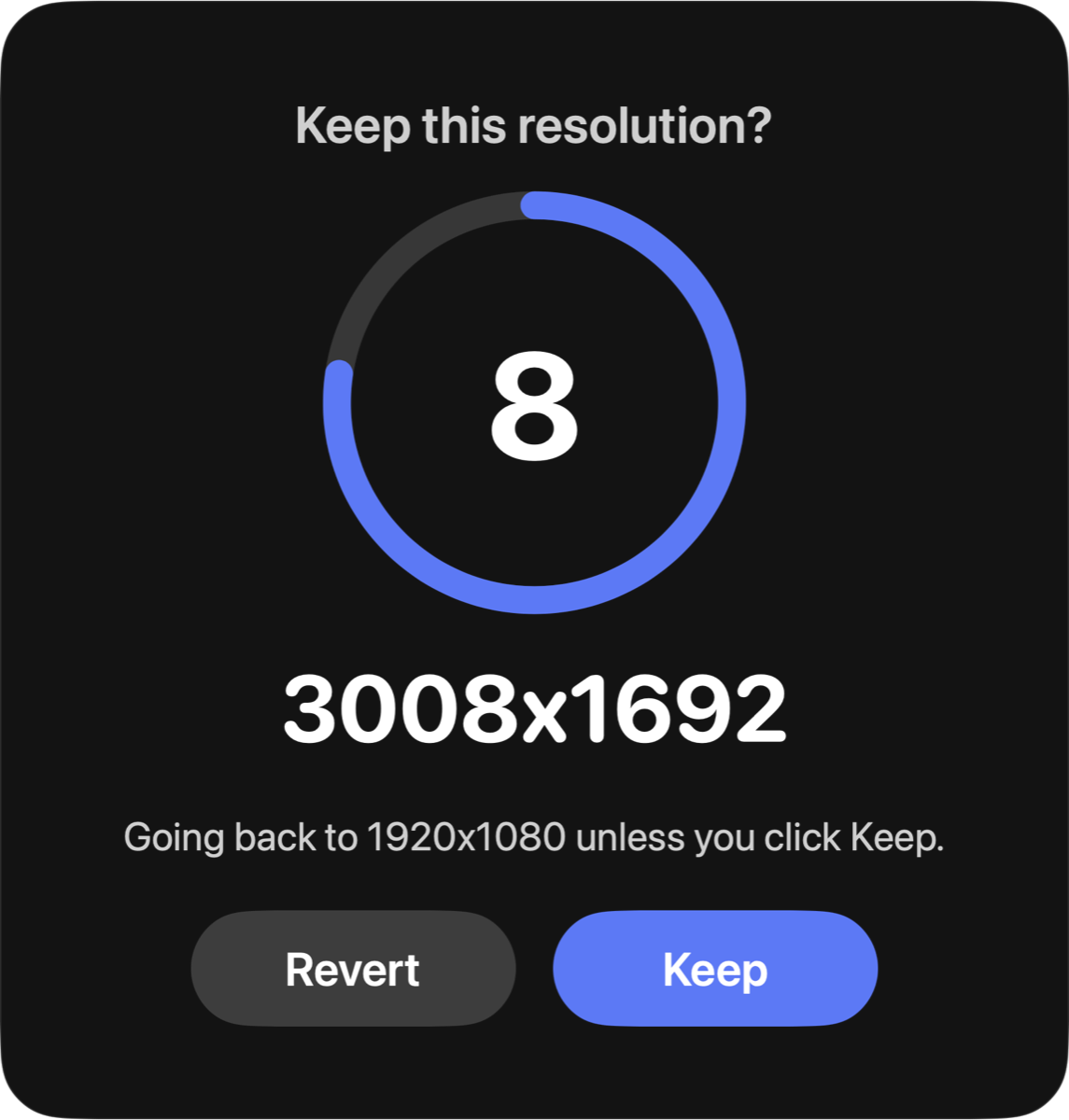
GhostPlug creates a virtual display at the size you choose and mirrors the Mac's own displays onto it. Every change waits for you to click Keep. No click, no change: the screen goes back on its own.
Presets for 16:9, 16:10, 4:3 and ultrawide, sizes that match a MacBook, a Studio Display or an iPad, custom sizes, favourites, and Retina modes.
Each new resolution counts down. Only a click on Keep confirms; without it the screen returns by itself. If the app quits, the Mac is back on its own display.
Launch at login, the resolution you kept after a restart, and recovery after sleep or a Screen Sharing reconnect. A command line tool for scripts.
GhostPlug has no advertising or analytics SDKs, and the developer operates no account or tracking service. The only network requests are the licence check and the update check.
Read the Privacy PolicyGhostPlug uses a display interface that macOS provides but Apple does not document, which the Mac App Store does not allow. It's signed with an Apple Developer ID and notarized by Apple, so macOS opens it normally.
It could. Try a new macOS version before updating a Mac you can only reach remotely. If GhostPlug stops working, the Mac simply runs on its own display.
The resolution you kept stays, and is still restored after a restart. You can always go back to the Mac's own display. Applying a new resolution needs a license key from your Gumroad receipt.
Turn on automatic login and turn off FileVault. Otherwise the Mac waits at the login window and GhostPlug only starts once someone logs in.
14 days, no questions asked. See the refund policy.